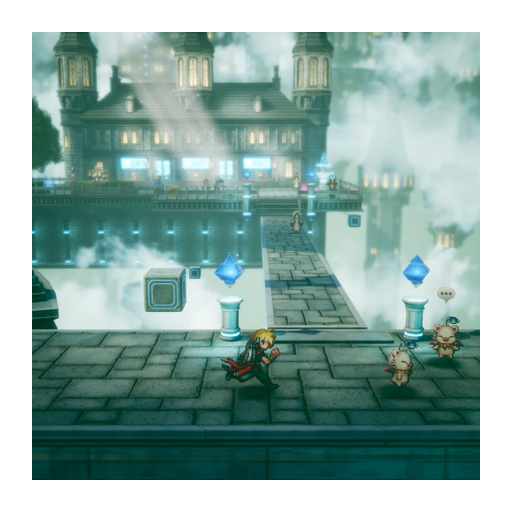
FINAL FANTASY RESONANCE in Thailand: check your account’s store access

Check the listing offered to your Thai account
Open the platform store while signed in to the Thai-region account you intend to use. Search for the exact game and check the product offered to that account. Square Enix notes that store availability may vary by region; its global announcement is not a confirmation that your local account can complete a purchase. Publisher announcement
| Before paying | What to check in the Thai-region listing |
|---|---|
| Product access | Whether the game has a purchasable product for the signed-in account. |
| Device | Whether the listing names the hardware you intend to use. |
| Language | Whether the selected product lists the text and audio options you need. |
| Payment and region | Whether the offer and payment method apply to that account. |
| Checkout | The total and conditions shown by that local store. |
For Steam, the official product page is the starting destination. Its offer must still be checked in your own account region. This guide does not supply a verified Thai-specific product URL or a completed Thai-account checkout.
If the local store does not offer a purchase
Do not treat an overseas price or a seller’s claim as proof that a key will activate for your account. Check the product’s regional terms and ask platform support about the account you actually use before paying.
An unavailable offer for one account would not establish that the game is unavailable on every platform in Thailand. Likewise, a global listing does not establish a supported workaround for regional restrictions. No account-region change or activation workaround is recommended here.
Keep the regional-access decision separate
The useful result is a local product and checkout path that apply to your Thai account. If those details remain unconfirmed, leave the purchase pending rather than substituting another region’s listing.
For the ordinary supported-system list, see the platform guide. For version differences, use the platform comparison. Once regional access is clear, use purchase options for the store-and-price decision.
Sources
- [1]FINAL FANTASY RESONANCE on Steam — Steam
- [2]Digital Foundry technical review — Digital Foundry
- [3]Gamer Fusion before you buy — Gamer Fusion
Was this helpful?
Thanks for the feedback!