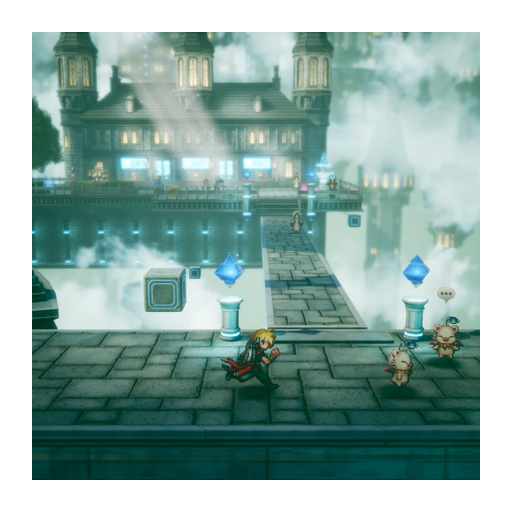
FINAL FANTASY RESONANCE demo: download, chapter endpoint and save transfer
Get the official demo for your intended platform
On PC, open the official Steam product page and choose Download Demo, rather than the full-game purchase or a Deluxe add-on. Steam explicitly lists a free demo. Gamer Fusion’s demo discussion also describes playing it before purchase.
For Switch, Switch 2, PlayStation or Xbox, open your own platform’s regional store and check the exact demo product before downloading. This guide does not confirm a demo entitlement for every platform or region from the existence of the Steam demo. Match the hardware name and account region on the product you will actually use.
Where does the demo stop, and how long is it?
The demo begins at the opening and covers the entire first chapter, according to the Steam description. Gamer Fusion likewise describes its own demo run as the opening chapter. The Chapter 1 endpoint is the supported boundary; it is not the whole game.
An independently corroborated hour estimate is not established in the captures used here. Do not treat the time one player spent exploring or grinding as a fixed completion time. Use the chapter endpoint to judge how much story the demo includes.
What progress carries into the full game?
Steam promises that demo saved data carries over to the full game, and Gamer Fusion’s account also describes continuing from the first chapter. Keep your demo save rather than deleting it before checking the full game’s transfer instructions.
The Steam listing says some level restrictions apply. Exact cap values and the transfer of every individual item, setting or achievement are not independently established here. Nor does this Steam save-transfer promise establish cross-platform transfer—for example, from a Steam demo to a console purchase.
Check these details before continuing
- Confirm that the full game and demo are for the platform and account you intend to use.
- Keep the demo save and check the full game’s stated transfer instructions before starting over.
- If you are changing platforms or regions, confirm that exact transfer path rather than assuming it is included.
- If the expected save is not offered, pause before overwriting it and consult the platform or game’s support instructions.
For treasure, boss and missable coverage inside the chapter, use the demo walkthrough. For hardware differences, see the platform comparison. Full-game buying routes belong in the purchase guide.
Sources
- [1]FINAL FANTASY RESONANCE on Steam — Steam
- [2]Digital Foundry technical review — Digital Foundry
- [3]Gamer Fusion before you buy — Gamer Fusion
Was this helpful?
Thanks for the feedback!