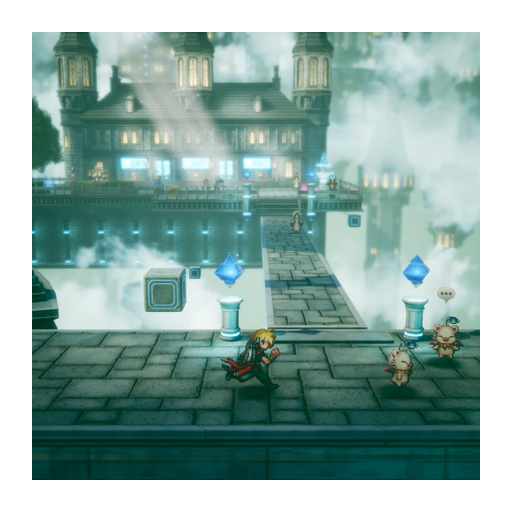
FINAL FANTASY RESONANCE ultrawide: check before buying for a wide screen
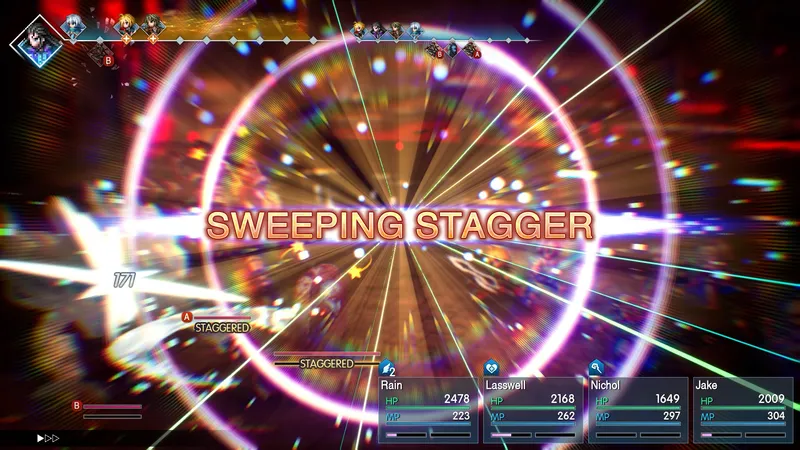
Does FINAL FANTASY RESONANCE support ultrawide displays?
Do not count on native ultrawide support for your purchase: Digital Foundry’s review says its tested PC version has no ultrawide support by default. It also describes forcing a wider output with Unreal Engine Unlocker, which cropped the image and stretched video sequences.
If ultrawide is essential, try the demo on your own monitor before paying. Current-build support is not independently confirmed here, so the reported older test is a warning rather than a guarantee about a later patch.
Native support and forced output are different
A game can appear across a wide display without providing a correct ultrawide field of view, interface or video presentation. Digital Foundry’s reported workaround illustrates why simply filling the screen is not enough. Do not treat an unlocked resolution as verified native support.
Avoid a third-party unlocker if you need an ordinary supported setup. Its installation and recovery are outside this guide. If you need a supported ultrawide experience, do not make a full-game purchase based solely on the workaround description.
Check the demo on your own screen
The Steam product page is the official destination for the PC release and its demo. Use that demo on the PC and monitor you plan to use. You can also watch the buying overview before deciding whether the opening is for you.
- Record the installed build, monitor resolution and selected display mode.
- Open the game’s display settings and check whether your intended resolution is offered without external tools.
- Compare ordinary exploration, battle menus and a video scene. Look for bars, cropping, stretched characters and clipped interface elements.
- If the result fails your requirement, keep that as the buying decision. A different console’s performance review does not resolve a PC aspect-ratio problem.
If the required resolution is missing or the picture is distorted, stop there rather than treating the test as a pass. Current-patch confirmation and an aspect-ratio screenshot are still needed before calling this a verified compatibility result.
Buy for the picture you can actually use
If the demo gives you black bars and you are comfortable with them, that may still fit your setup. If edge-to-edge ultrawide is essential and the demo crops or stretches, wait for current-build confirmation before buying. Do not count on a third-party workaround to meet a purchase requirement.
For ordinary hardware availability, use the platform table. For buying without confusing add-ons and full games, see the edition comparison and purchase options.
Sources
- [1]FINAL FANTASY RESONANCE on Steam — Steam
- [2]Digital Foundry technical review — Digital Foundry
- [3]Gamer Fusion before you buy — Gamer Fusion
Was this helpful?
Thanks for the feedback!